
无代码业务自动化工具Activepieces
什么是 Activepieces ?
Activepieces是一款工作流程自动化软件,可以帮助您自动化所有重要流程,例如市场、销售、营销等。您可以集成其他有用的应用程序并更有效地管理您的业务。无需编码,是Zapier的绝佳替代品。
Activepieces 和之前老苏介绍的 n8n、Automatisch 是同一类软件。目前已经支持 100 多种应用,其中包括了 OpenAI

准备工作
因为触发器可能存在回调,所以需要让 Activepieces 有公网可访问的 IP 或者域名。
老苏这次采用了 Cloudflared + NPM 方案,不了解的可以去翻看一下
| 域名 | 局域网地址 |
|---|---|
https://ap.laosu.cf |
http://192.168.0.197:4848 |
其中
192.168.0.197为安装Activepieces服务的群晖主机IP4848为Activepieces服务对外暴露的端口

命令行安装
docker-compose.yml
将下面的内容保存为 docker-compose.yml 文件
1 | version: '3.0' |
- 老苏开始折腾时,
activepieces/activepieces:latest对应的版本为0.7.1;本文写作时,对应的版本为0.8.0;而本文发文时最新版本为0.12.2; - 端口设为了
4848,你可以自行修改,只要在本机端口不冲突即可;
env.txt
将下面的内容保存为 env.txt 文件
1 | ## It's advisable to consult the documentation and use the tools/deploy.sh to generate the passwords, keys, instead of manually filling them. |
AP_FRONTEND_URL:前端访问地址,也就是我们前面反代的地址,用于指定重定向地址和webhook地址;AP_POSTGRES_:这个前缀表示是postgres数据库的相关设置;AP_REDIS_:这个前缀表示是redis数据库的相关设置;AP_TELEMETRY_ENABLED:不要设true;AP_ENCRYPTION_KEY: 可以用openssl rand -hex 16来生成;AP_JWT_SECRET:可以用openssl rand -hex 32来生成;
关于更多变量的说明,请参考官方文档:https://www.activepieces.com/docs/install/configurations/environment-variables
然后执行下面的命令
1 | # 新建文件夹 activepieces 和 子目录 |
运行
在浏览器中输入 https://ap.laosu.cf 就能看到注册界面

登录成功后的主界面
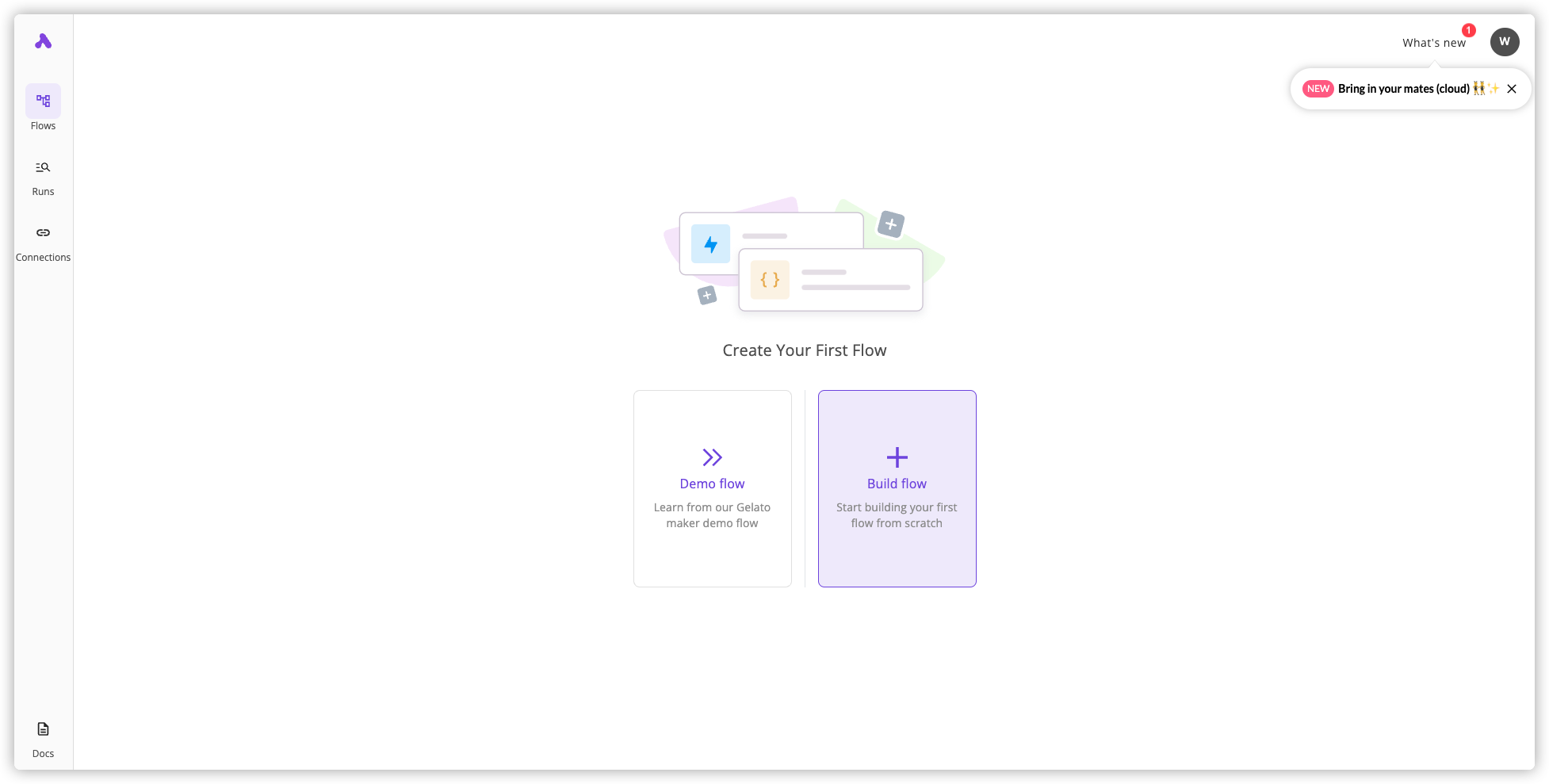
点 + 号新建,会看到有一些现成的 template

如果没有合适的模板,也可以自己重新搭建

一个标准的流程(flow)包含了 2 个部分:触发器(trigger) 和动作(actions)

触发器分为两类:Core 和 App Events

其中:
Core有一个定期自动执行的Schedule和一个在访问特定URL时自动执行的Webhook;App Events则可以从其他应用程序启动;
RSS2Email
假设还是以 ”老苏博客更新了之后,发邮件通知“ 这个流程为例
第一步、点 Select Trigger ,右侧触发器选择 RSS Feed
Trigger:选择New Item In FeedRSS Feed URL:设置老苏的RSS订阅地址https://laosu.tech/atom.xml

完成之后要点右下角的 Load data,加载完成后能看到 5 条数据

第二步、选择 mail 应用,可供选择的有 3 个

老苏选择了 Gmail,当然你也可以选择 SMTP ,来使用其他的邮箱,不过老苏没试

创建 New Connection 时,Gmail 需要授权

保存之后,还需要设置主题等,完成之后,同样需要 Test app,如果没问题的话会返回 Tested Successfully

加下来就可以重命名、并发布了

最后 body 部分只使用了 summary 和 link

收到了测试邮件

返回主页就能看到我们创建的 RSS2Email 了

SMTP
Gmail 在国内还是限制的,所以 SMTP 显得更灵活一些,老苏还是用 88 邮箱做示例

其他是一样的

现在的 My Flows 中多了一个

收到的测试邮件

下面加载出来的图片等预览功能,是
hotmail网页版的功能;

参考文档
activepieces/activepieces: Your friendliest open source automation tool ✨ Workflow automation tool / Enterprise automation tool / Business automation tool / Zapier Alternative
地址:https://github.com/activepieces/activepiecesActivepieces - The open source business automation software - Zapier alternative
地址:https://www.activepieces.com/I tried sending the full text RSS of GIGAZINE’s article by e-mail using the open source & self-hostable tool ‘Activepieces’ that can be automated by combining various applications like IFTTT and Zapier for free - GIGAZINE
地址:https://gigazine.net/gsc_news/en/20230528-activepieces-automation/